wox-launcher/
View on GitHubA cross-platform launcher that simply works
A cross-platform launcher that simply works
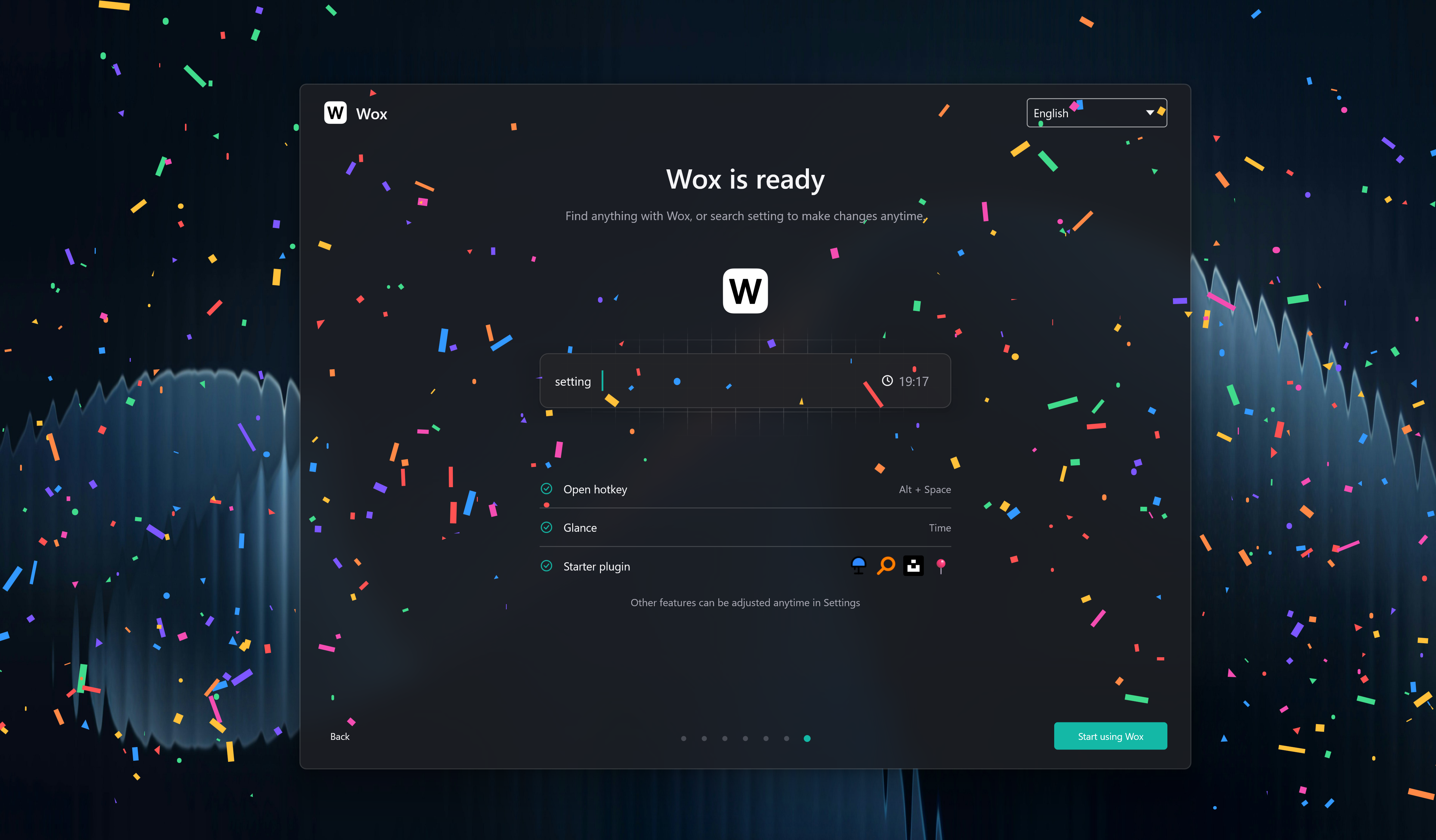
Wox is a fully native, open-source launcher for macOS, Linux, and Windows — with GPU rendering on every platform. Everyday use typically stays around ~150 MB of memory, so it can live in the background without feeling like another heavy desktop app.
Local search, keyboard-first actions, and an extensible plugin system stay in one focused input.
Download Wox · Browse plugins · Read the docs
https://github.com/user-attachments/assets/15ad1370-bbc0-4f96-8729-56fcc769c41c
| Feature | Description | | --- | --- | | Fully native | Full native GPU rendering on macOS, Linux, and Windows — not Electron, not a browser shell. | | 150 MB memory | Built to stay light while idle and during everyday queries, so the launcher can stay resident without taxing the machine. | | Keyboard-first | Open apps, find files, run actions, and finish the next step without leaving the input. | | Plugin-driven | Start with built-ins, then extend with Node.js, Python, or script plugins from the store. |
| Platform | Method | Command or instructions |
| --- | --- | --- |
| macOS | Homebrew | brew install --cask wox |
| Windows | Winget | winget install -e --id Wox.Wox |
| Windows | Scoop | scoop install extras/wox |
| Windows | Chocolatey | choco install wox |
| Arch Linux | AUR | yay -S wox-bin |
| macOS / Linux / Windows | Manual | Download the latest stable package from Releases and run it directly |
Contributions are welcome through issues, discussions, and pull requests.
No comments yet. Set the tone — say what you would want to know.