daybreak-u/
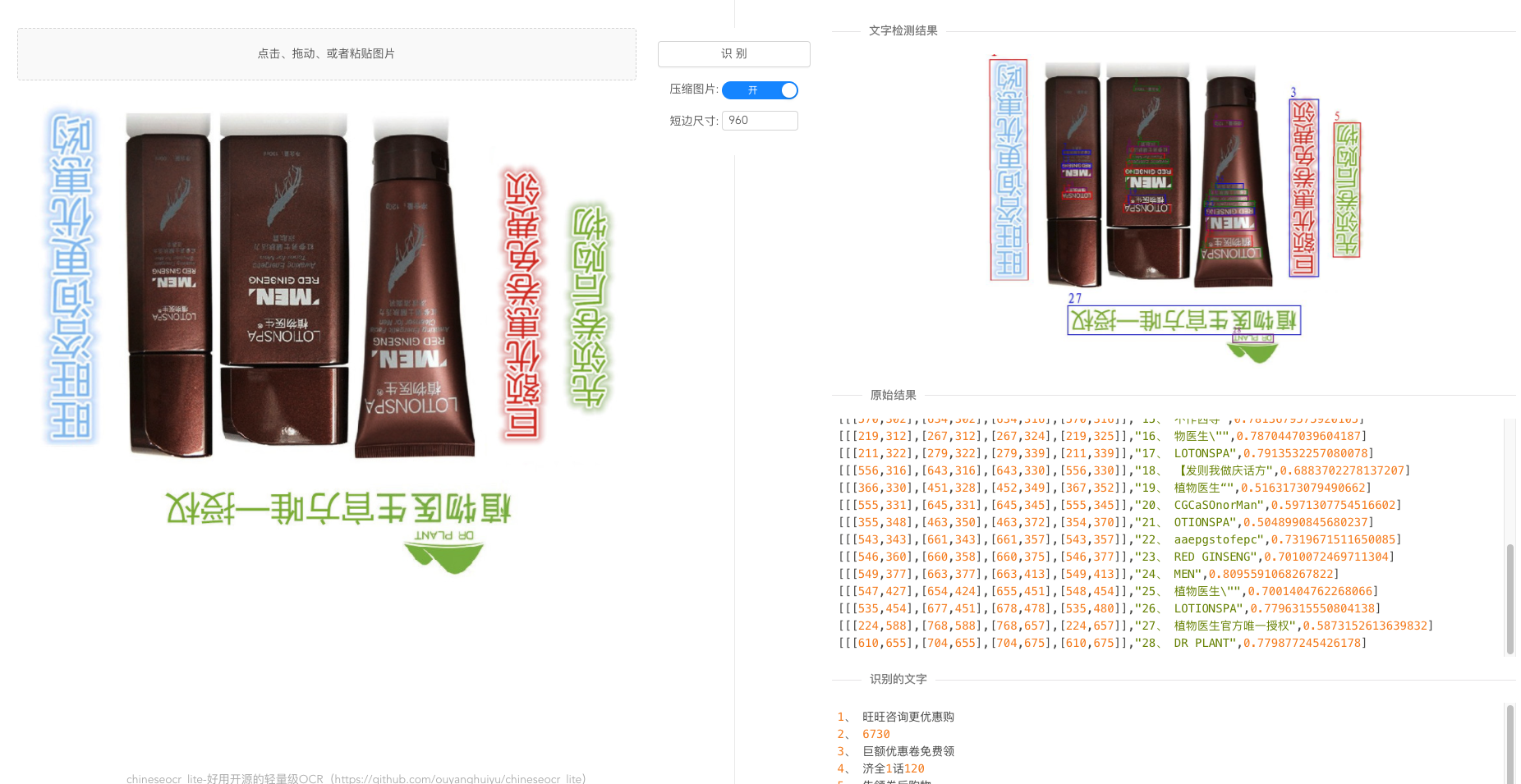
View on GitHub超轻量级中文ocr,支持竖排文字识别, 支持ncnn、mnn、tnn推理 ( dbnet(1.8M) + crnn(2.5M) + anglenet(378KB)) 总模型仅4.7M
超轻量级中文ocr,支持竖排文字识别, 支持ncnn、mnn、tnn推理 ( dbnet(1.8M) + crnn(2.5M) + anglenet(378KB)) 总模型仅4.7M
轻量级中文 OCR 项目,当前分支以 ONNX Runtime 推理为主,包含 Web 服务、Python 推理代码,以及 C++、JVM、Android、.NET 等多端 Demo。
推荐环境:
安装依赖:
pip install -r requirements.txt
cd chineseocr_lite
python backend/main.py
服务默认监听 8089 端口。启动后终端会输出类似:
server is running: 192.168.x.x:8089
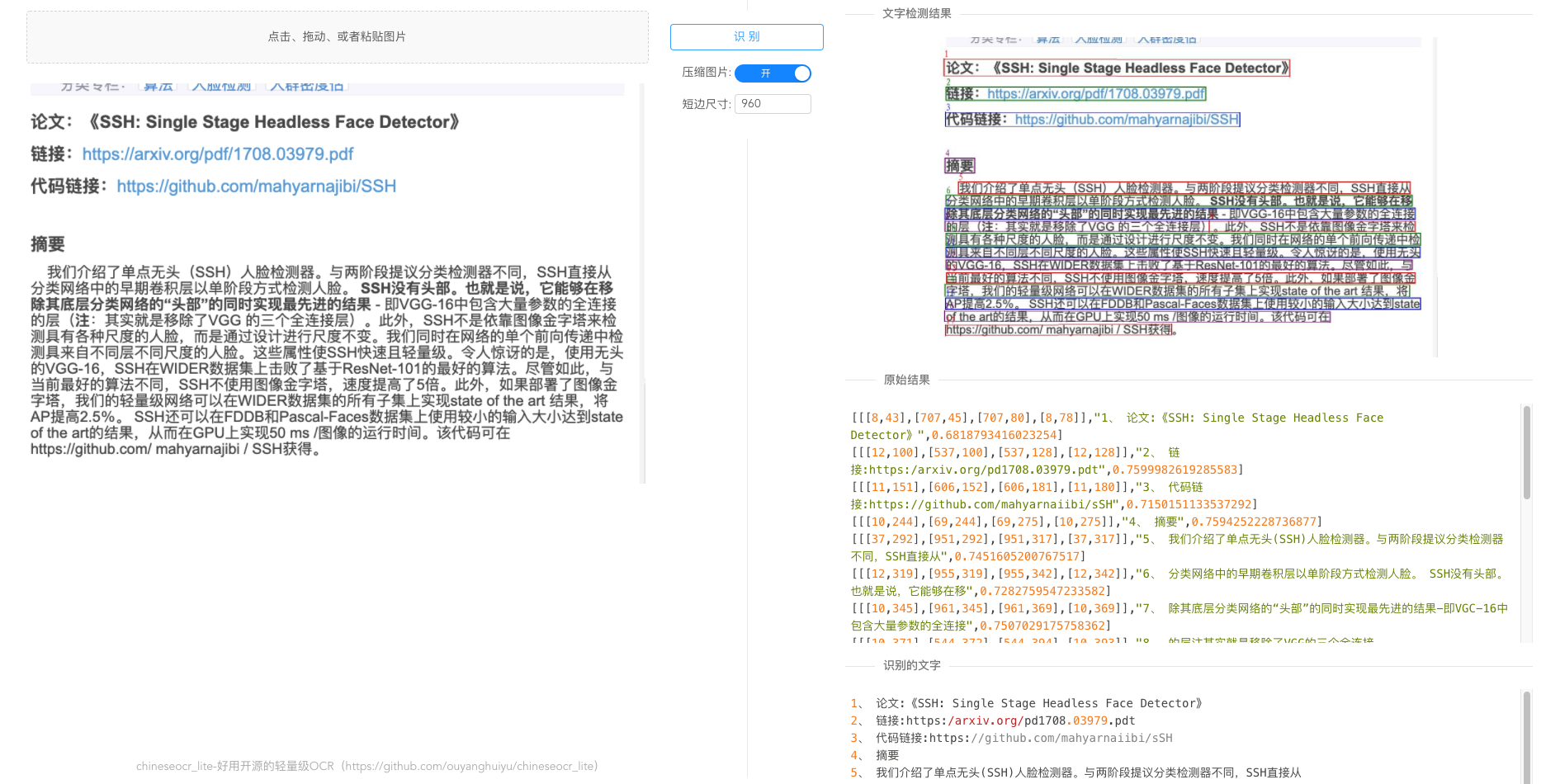
在浏览器打开该地址即可使用 Web OCR 页面。
当前项目也可以作为命令行 OCR 工具使用,适合被 agent、脚本或批处理任务调用。
本地开发安装:
pip install -e .
识别单张图片并输出 JSON:
chineseocr test_imgs/res.jpg
写入 JSON 文件:
chineseocr test_imgs/res.jpg --output result.json
同时输出带检测框的图片:
chineseocr test_imgs/res.jpg --output result.json --draw result.jpg
调整检测前的短边尺寸:
chineseocr test_imgs/res.jpg --compress 960
CLI 输出为稳定 JSON,便于 agent 解析:
{
  "text": "识别出的全文",
  "blocks": [
    {
      "text": "单个文本块",
      "score": 0.93,
      "box": [[12, 30], [210, 31], [209, 60], [11, 59]]
    }
  ],
  "elapsed": 1.24
}
也可以用 Python 模块方式运行:
python -m chineseocr_lite test_imgs/res.jpg
当前仓库包含基础推理模型:
| 目录 | 文件 | 用途 |
| --- | --- | --- |
| models/ | dbnet.onnx | 文本检测 |
| models/ | crnn_lite_lstm.onnx | 文本识别 |
| models/ | angle_net.onnx | 文字方向分类 |
| models_ncnn/ | *.bin, *.param | NCNN Demo 使用的模型 |
作为 Python CLI 包安装时,models/*.onnx 会随包一起安装,CLI 开箱即可使用。models_ncnn/ 和各端 Demo 不会作为 CLI 必需资源。
不要把训练权重、Python wheel、大型第三方库或构建产物直接提交到 Git。推荐放到 GitHub Releases、对象存储或 Git LFS。
.
├── backend/             Web 服务与接口
├── models/              ONNX 模型
├── models_ncnn/         NCNN 模型
├── dbnet/               文本检测相关代码
├── crnn/                文本识别相关代码
├── angnet/              方向分类相关代码
├── cpp_projects/        C++ Demo
├── jvm_projects/        JVM Demo
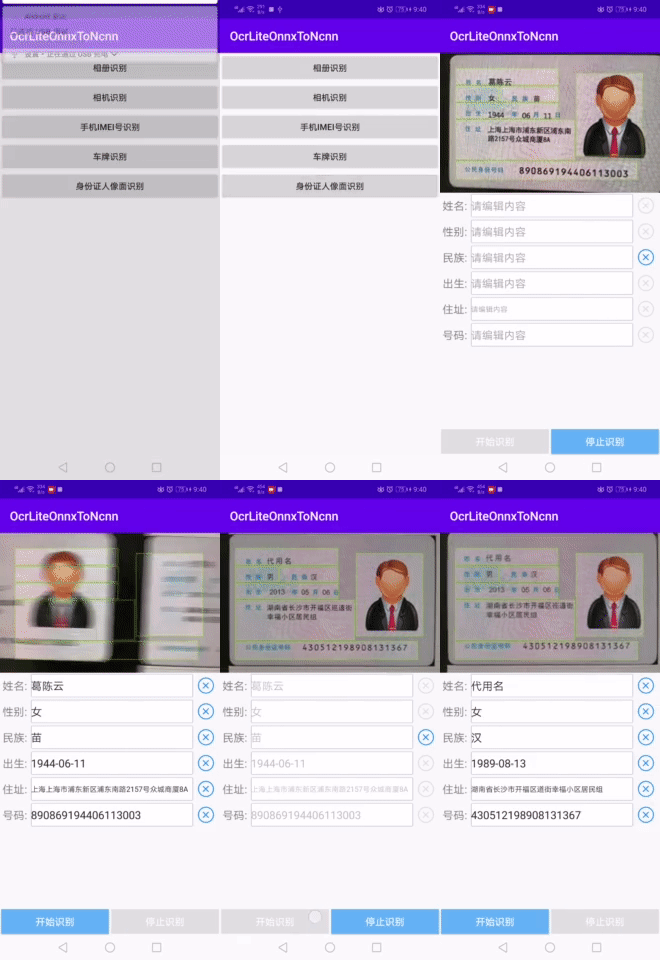
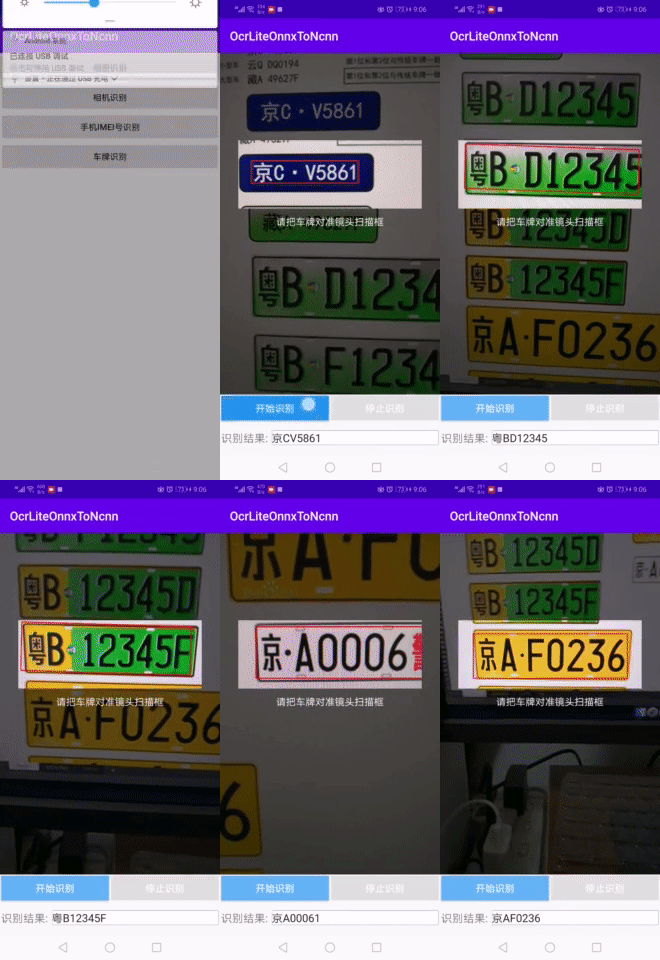
├── android_projects/    Android Demo
├── dotnet_projects/     .NET Demo
├── test_imgs/           示例图片与效果图
├── config.py            模型与推理配置
├── model.py             OCR 推理入口
└── utils.py             通用工具函数
以下 Demo 均为参考 Python 版本翻译或封装而来,彼此相互独立。
目录:cpp_projects
目录:jvm_projects
如果不想自行整合依赖库,完整源码工程可到 QQ 群共享中下载。
第三方项目:fanqie03/char-detection
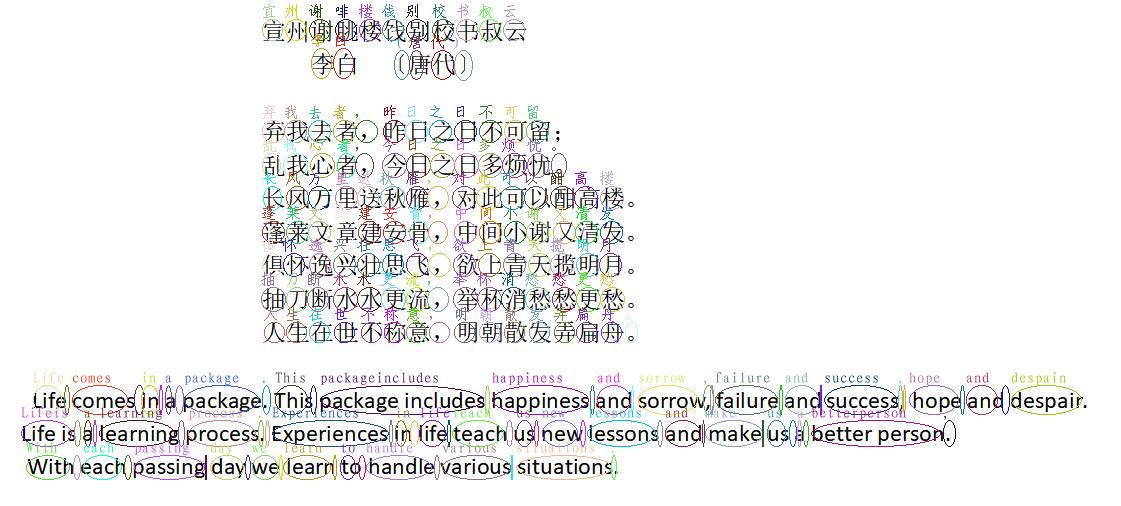
根据本项目和 CRNN 原理推导每个字符的位置,并支持将字符组合成单词。
第三方项目:Tencent/TNN OCR 示例
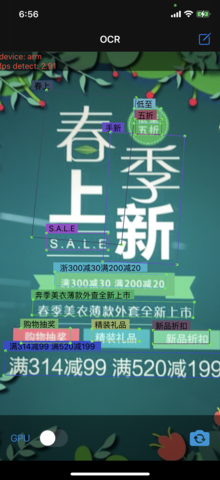
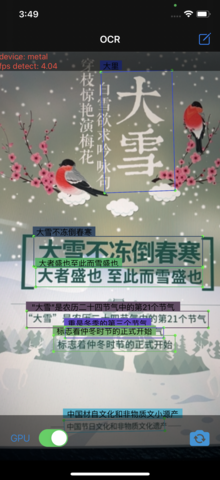
基于本项目实现的轻量级中文 OCR Demo,支持 iOS 和 Android,使用 TNN 的 ARM CPU、OpenCL、Metal 后端加速模型计算。

No comments yet. Set the tone — say what you would want to know.